
ADA Service Counters and the Magic Number 36
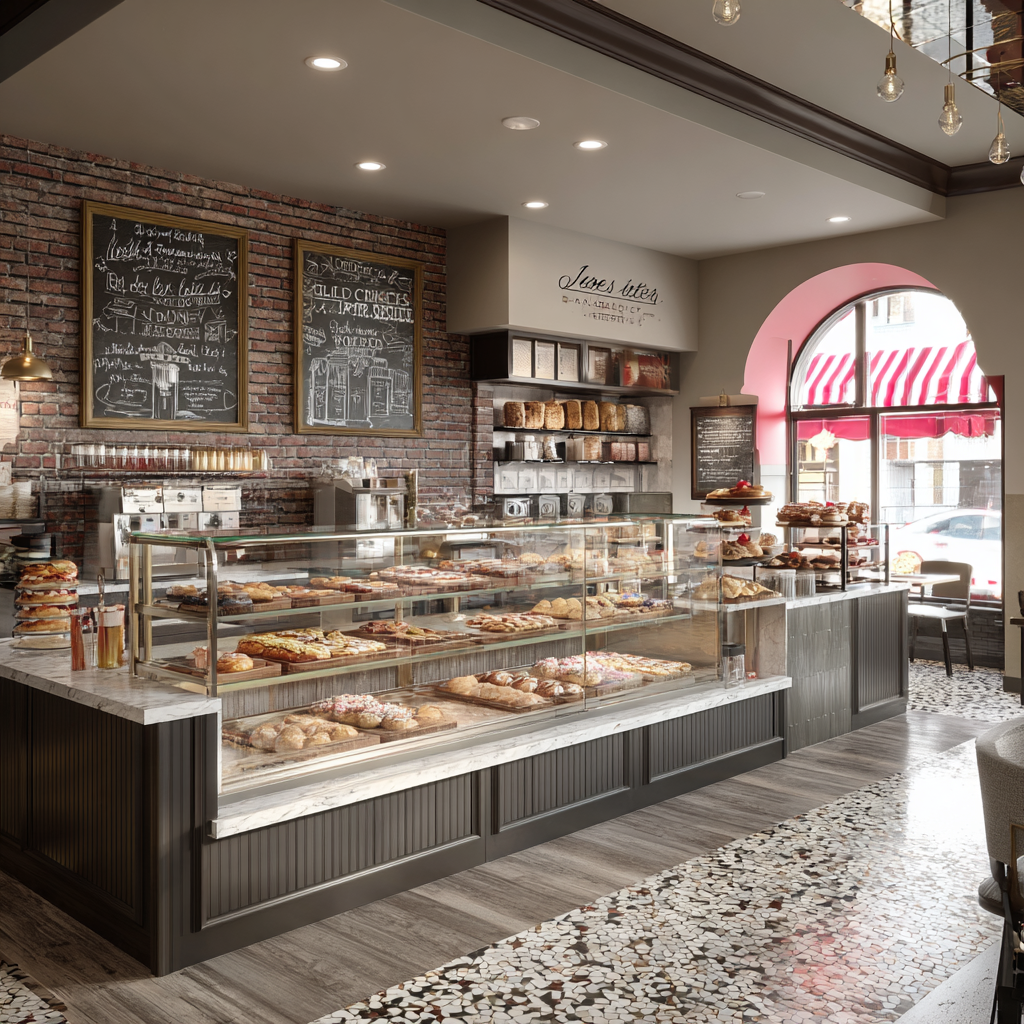
Counter height is an accessibility issue that requires care and nuance.
On accessibility, everyone sweats the big stuff. Ramps, door clearances. Then the service counter shows up, it “looks fine,” but you are rebuilding millwork because somebody missed a very specific requirement.
That requirement is the magic number: 36 inches. This is one of those ADA issues where the rule is simple but the execution is not.
The technical specs (2010 ADA Standards, Section 904)
Section 904 of the 2010 ADA Standards for Accessible Design covers sales and service counters. The core idea is straightforward: if the public is expected to transact at a counter, there needs to be an accessible portion that actually works.
The rule (height):
A portion of the counter surface must be no higher than 36 inches above the finished floor.
The length:
That lowered portion must be at least 36 inches long. Not a little “notch.” Not a 12-inch corner. A real run that someone can pull alongside.
The approach (parallel):
It’s designed for a parallel approach, meaning a wheelchair user pulls up next to the counter. This is not the same thing as a knee-clearance setup like you’d provide at a dining surface.
The contrast with “normal” counters:
Typical hospitality and retail counters land around 42 to 44 inches high. That 6 to 8 inch difference is big. It’s the difference between an exchange that is independent versus awkward, assisted, or impossible.
Common mistakes that ruin a compliant counter
Here’s what I see most often, and why it matters.
1) The “display case” trap
The lowered section is built correctly, and then somebody drops a glass pastry case, a merch riser, or the POS terminal right in the middle of it. The accessible portion has to be usable, which means the surface needs to stay clear. If the only place to sign, pay, or receive items is blocked, the counter is functionally noncompliant even if the tape measure says 36 inches.
2) The cords
This one is almost comical: the card reader is mounted on the high counter, the accessible counter is sitting there politely at 36 inches, and the cord is too short to bring the device down. So the customer is told to “reach up” or the staff has to do the transaction for them. If the payment interaction is part of the service, the equipment has to reach the accessible portion without improvisation.
3) Depth and reach problems
Counters often get designed like furniture, deep and dramatic, especially when there’s a front-to-back display zone. But if the counter is too deep, a seated customer cannot comfortably reach what is being handed to them, or cannot place items where staff can access them. In practice, an over-deep counter can turn a technically “right height” surface into a frustrating one.
Solutions
Designing this well is mostly about treating accessibility as part of operations.
Keep the 36-inch portion continuous and obvious, not squeezed into a corner. Put the POS workflow where it can actually function at both heights. Plan the wiring so the reader, receipt printer, and signature interaction can happen at the accessible surface. And review counter depth.
A quick field-check you can use:
Ask three questions:
Is there a 36-inch max height portion that is at least 36 inches long?
Can a customer pull up alongside it and complete the transaction there, including payment and signatures?
Is the accessible portion kept clear of displays and “temporary” stuff?
If any of those answers is “sort of,” you should assume it will fail during real use.
